DIY Bookkeeping for Small Shops: A Starter Guide for Thai SMEs
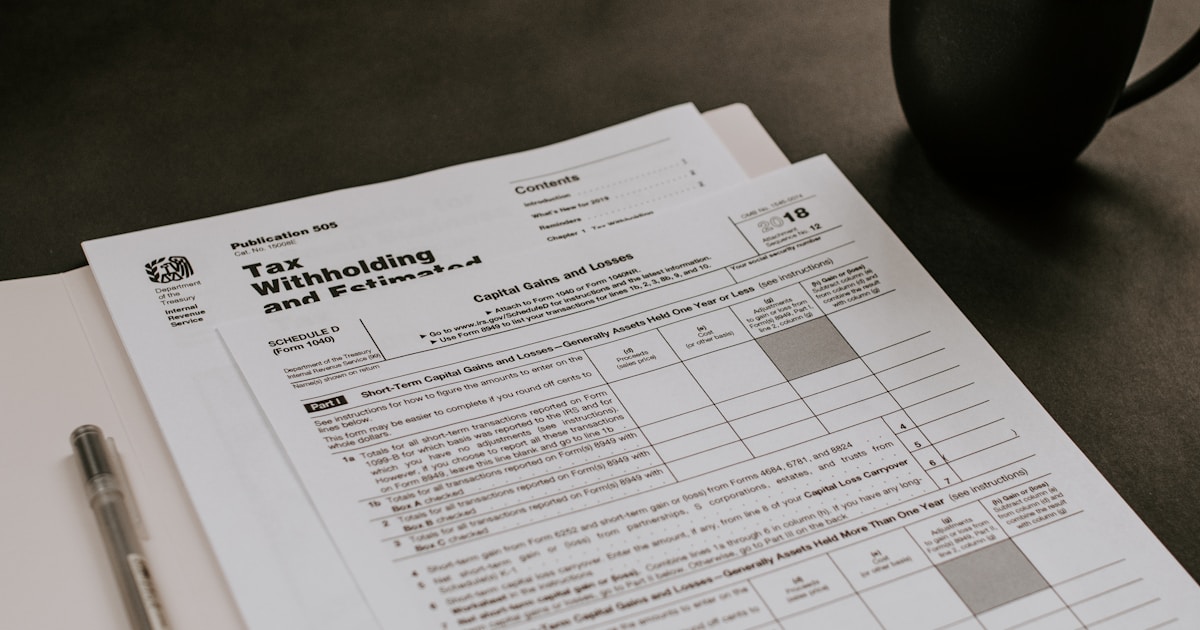
How to keep shop income and expense records in Google Sheets or Excel: separate your money, set up tabs, record daily, read real profit and prepare for tax.
Every month end, your sales on Shopee and LINE look good, yet the bank balance is lower than you expected. When that happens, the problem is usually not sales. It is that you have no income and expense records that tell the truth. Many small shops cannot afford a full-time bookkeeper. The good news is that basic record keeping is something you can do yourself with a phone and Google Sheets or Excel.
What are income and expense records, and why keep them?
Income and expense records mean writing down every time money comes into or goes out of the business, with details of where it came from and what it was spent on. Four benefits show up right away:
- Know your real profit: hidden costs such as packaging, shipping and platform fees become visible.
- Plan cash: you know which months have high expenses and can prepare.
- Easier tax filing: numbers are ready, no hunting for slips at year end.
- Loans: banks usually want to see clear business figures.
What the Revenue Department requires
According to a Director-General's announcement on the Revenue Department website, rd.go.th, individuals who are not VAT registered and have income under Section 40(5) to (8) must keep accounts or a report of income and expenses on a daily basis, with entries made within 3 working days. Most online shops selling as individuals fall under 40(8) income. Businesses registered as juristic persons have different accounting requirements.
This is general information. Every shop's situation is different, so consult an accountant or tax professional before making decisions.
Step one: separate shop money from personal money
This is where small shops go wrong most often. If sales money lands in the same account as your salary or grocery money, you will never know your real profit.
- Open a separate bank account just for the shop.
- Have customers transfer only to the shop account.
- Pay yourself a fixed "salary" from the shop account each month instead of dipping in as needed.
Set up Google Sheets with 4 tabs
- Income: date | channel (storefront, Shopee, TikTok Shop, LINE) | product | quantity | amount
- Expenses: date | category (cost of goods, shipping, ads, rent, utilities) | details | amount | receipt kept?
- Stock: product | received | sold | remaining
- Monthly summary: use SUMIFS to total income and expenses by month and category
Read the numbers
- Gross profit = income minus cost of goods. It tells you whether each product really makes money.
- Net profit = gross profit minus all other expenses. It is what the business actually keeps.
- By channel: some channels have high sales but also high fees and ad costs. Comparing profit per channel shows more than sales alone.
Example: an online dessert shop
Suppose a dessert shop sells 60,000 baht this month (a hypothetical figure). Once every expense is recorded, ingredients, boxes, shipping and ads turn out to eat up almost all of it, leaving far less profit than expected. Splitting by channel shows that regular customers on LINE earn more profit per order, so the owner starts running offers to bring past customers back instead of raising the ad budget.
Sales tell you how busy the shop is. The books tell you whether it will survive.
Common mistakes
- Recording everything at month end: small items get forgotten and the numbers drift.
- Not keeping evidence: photograph receipts and slips and file them by month.
- Forgetting hidden costs: internet, the share of electricity used for work, storage space.
- Watching profit but not cash: a business can be profitable yet short of cash if it has to buy stock in advance.
Start this week
- Open a separate bank account for the shop.
- Create the 4 tab Google Sheet above.
- Set 10 minutes every evening to record that day's income and expenses.
- At month end, check net profit and profit per channel, then make one decision.
- Learn more from partner courses such as income and expense records with an Excel file for beginners, simple income and expense records in Microsoft Excel, shop bookkeeping on your phone with Excel and stock tracking in Google Sheets.
Once your books are in order, the next step is understanding tax for your shop. Read what online shop owners need to know about tax, and find more accounting and finance courses in partner courses on Plants.work.